
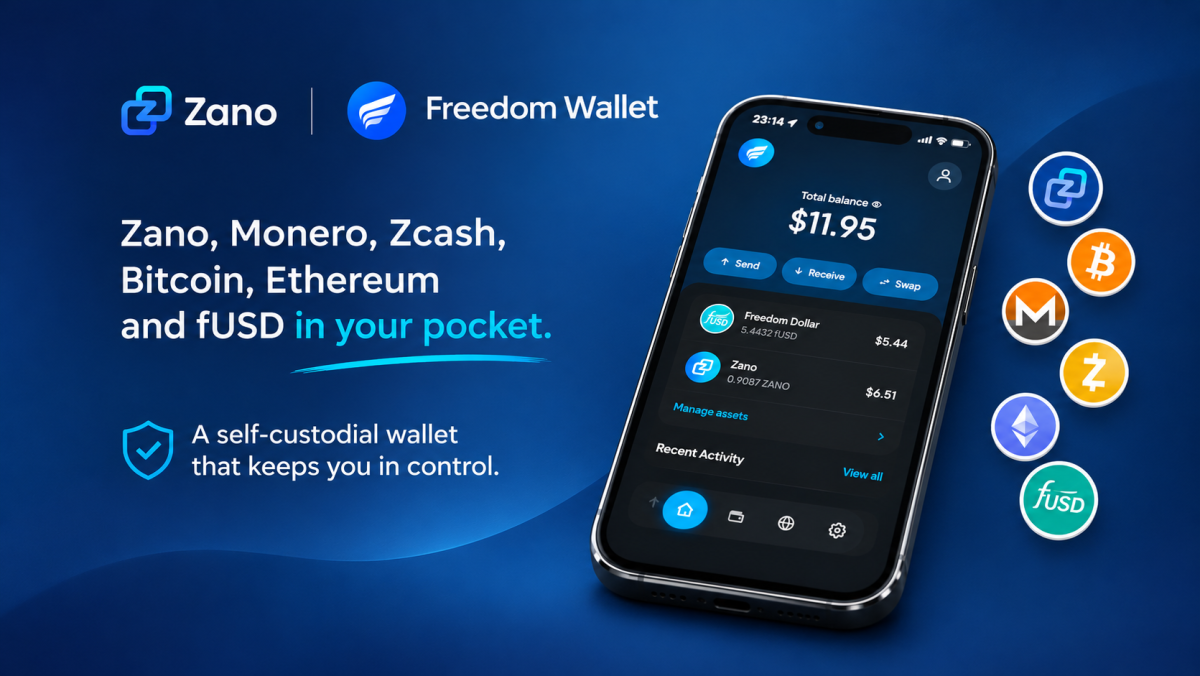
Holding your own cryptocurrency is an important step towards financial independence. But having control over your wallet is only part of the picture. What about the privacy of the money you hold?
With $ZANO now available in Freedom Wallet, users can access Zano alongside several other cryptocurrencies in a wallet designed around self-custody and privacy.
The idea is simple: you should control your keys, and you should have access to money that offers stronger privacy protections.
This is the message behind a recent post from the Zano team, highlighting the availability of $ZANO in Freedom Wallet.
But what exactly does this mean, what can Freedom Wallet do, and how can you download it?
Let’s take a closer look.
Table of Contents
- What Is Freedom Wallet?
- Why Is $ZANO’s Availability Important?
- What Can You Do With Freedom Wallet?
- Understanding Self-Custody and Privacy
- How to Download Freedom Wallet
- Important Things to Remember
- Why This Matters for the Zano Ecosystem
1. What Is Freedom Wallet?
Freedom Wallet is a self-custodial cryptocurrency wallet available for iPhone, Android and desktop computers.
In simple terms, it allows you to store, send and receive supported cryptocurrencies while keeping control of your private keys.
Unlike a traditional custodial exchange, where a company holds your cryptocurrency on your behalf, Freedom Wallet puts the responsibility for controlling and securing your wallet in your hands.
According to its official website, the wallet supports several cryptocurrencies, including:
- 🔵 ZANO – Privacy-focused digital money.
- 🟠 Bitcoin (BTC) – The original cryptocurrency.
- 🟣 Ethereum (ETH) – A blockchain network supporting smart contracts.
- 🟡 Monero (XMR) – A cryptocurrency with transaction privacy by default.
- 🛡️ Zcash (ZEC) – A cryptocurrency offering shielded transactions.
- 💵 Freedom Dollar (fUSD) – A dollar-targeting digital asset on the Zano blockchain.
The wallet also supports other assets, including USDT, USDC, Bitcoin Cash (BCH) and TRON (TRX), depending on the device and network.
The main idea is to bring several cryptocurrencies together in one place without requiring users to hand over control of their funds to a centralised custodian.
2. Why Is $ZANO’s Availability Important?
The Zano team recently highlighted an important point in its announcement:
Holding your own keys is step one. Step two is using private money nobody can censor or freeze.
This message touches on two important concepts in cryptocurrency: self-custody and financial privacy.
Self-custody means you control your wallet’s private keys rather than relying on an exchange or another company to manage your funds.
Privacy is a different part of the equation.
Bitcoin and Ethereum transactions are recorded on public blockchains, meaning transaction information can generally be viewed by anyone using a blockchain explorer.
Zano takes a different approach.
Zano is designed with transaction privacy enabled by default. Its protocol protects transaction information, including amounts and addresses, rather than requiring users to manually activate privacy for ordinary transactions.
By making $ZANO available through Freedom Wallet, users have another way to access and manage their ZANO alongside other supported cryptocurrencies.
This combination of self-custody and protocol-level privacy is what makes the integration interesting.
3. What Can You Do With Freedom Wallet?
Freedom Wallet brings several useful cryptocurrency features together in one application, making it easy to manage your digital assets.
Here are some of its main features:
🔹 Send and receive crypto
Send and receive cryptocurrencies using wallet addresses or QR codes. You can also check your balances and transaction history.
🔹 Swap cryptocurrencies
Exchange supported cryptocurrencies directly within the wallet. You can review exchange rates and provider fees before confirming.
🔹 Manage multiple cryptocurrencies
Keep ZANO, Bitcoin, Ethereum, Monero, Zcash and other supported assets in one application instead of using separate wallets.
🔹 Use Zano and Monero without downloading the full blockchain
Access Zano and Monero without storing the entire blockchain on your phone. Synchronisation and transaction confirmations may still take time.
🔹 Desktop support
Freedom Wallet is also available for Windows, macOS and Linux. Desktop users can access additional features, including private payroll.
4. Understanding Self-Custody and Privacy
One of the most important things to understand about Freedom Wallet is that it is self-custodial.
But what does that actually mean?
Imagine keeping money in a bank. The bank manages your account, controls access to its services and processes transactions on your behalf.
With a self-custodial cryptocurrency wallet, you hold the private keys that give you control over your funds.
Freedom Wallet explains that your recovery phrase and private keys stay on your device. The company cannot access or recover your funds if you lose your recovery phrase.
However, there is an important distinction between owning your keys and having private transactions.
Not every cryptocurrency offers the same level of privacy.
| Cryptocurrency | Transaction privacy |
|---|---|
| ZANO | Private by default |
| Monero (XMR) | Private by default |
| Zcash (ZEC) | Available through shielded addresses |
| Bitcoin (BTC) | Public blockchain |
| Ethereum (ETH) | Public blockchain |
This distinction matters because simply using a self-custodial wallet does not automatically make every cryptocurrency private.
With Zano, transaction privacy is built into the underlying blockchain protocol.
For users who value financial privacy, this is an important difference.
5. How to Download Freedom Wallet
Getting started with Freedom Wallet is relatively straightforward. The application is available for iPhone, Android and desktop computers.
You can download it directly from the official website:
Official website: FreedomWallet.com
Follow these steps to get started.
Step 1. Visit the official website
Open your browser and visit:www.freedomwallet.com
You will see the main page introducing Freedom Wallet and its supported cryptocurrencies.
Click the Download button.
Step 2. Select your device
Choose the version that matches your device.
- iPhone: Download through the Apple App Store.
- Android: Download through Google Play.
- Windows: Download the Windows installer.
- macOS: Download the macOS application.
- Linux: Download the Linux AppImage.
You can also access the official download options directly:
- Download for iPhone (App Store)
- Download for Android (Google Play)
- Desktop downloads and other options
For security, always use the official website or the verified app store listings.
Step 3. Install and open the application
Once the download is complete, install Freedom Wallet and open the application.
You will be greeted with a welcome screen where you can select the cryptocurrency network for your first wallet.
Step 4. Select Zano
Select Zano from the list of available cryptocurrencies.
You can also add other supported networks, such as Bitcoin, Ethereum, Monero and Zcash.
Step 5. Create or restore your wallet
Follow the application’s instructions to create a new wallet or restore an existing one using your recovery phrase.
If you are creating a new wallet, make sure you:
- Follow the wallet creation instructions.
- Securely back up your recovery phrase.
- Store it somewhere private and offline.
- Set up your wallet’s security options.
Important: Never share your recovery phrase with anyone. Anyone who obtains it could gain control of your cryptocurrency.
Step 6. Access and manage your ZANO in Freedom Wallet
Once you have created your wallet and selected Zano, you can access your ZANO wallet directly within the Freedom Wallet application.
From there, you can:
- View your balance: Check how much ZANO you hold.
- Receive ZANO: Copy your wallet address and share it with someone sending you ZANO.
- Send ZANO: Enter the recipient’s Zano address and the amount you want to transfer.
- Manage other cryptocurrencies: Add and manage other supported assets, such as Bitcoin, Ethereum and Monero, within the same application.
That’s it! You can now use Freedom Wallet to manage your ZANO and other supported cryptocurrencies while keeping control of your private keys.
6. Important Things to Remember
While self-custody offers greater control, it also comes with responsibility.
Here are a few things to keep in mind:
- 🔐 Protect your recovery phrase: Keep it private and store a secure offline backup.
- 📱 Use official downloads: Avoid unofficial websites and unknown installation files.
- 🔎 Check wallet addresses: Always double-check the recipient’s address before sending cryptocurrency.
- 💸 Understand transaction fees: Blockchain network fees and third-party swap provider fees may apply.
- 🛡️ Understand privacy differences: Bitcoin and Ethereum transactions remain publicly visible even when accessed through Freedom Wallet.
Also, while Zano provides protocol-level transaction privacy, this does not mean that every interaction with an exchange, service provider or external application is immune to restrictions.
Self-custody and transaction privacy offer important protections, but they should not be confused with an absolute guarantee that funds or transactions can never be restricted.
7. Why This Matters for the Zano Ecosystem
The availability of $ZANO in Freedom Wallet is another step towards making privacy-focused cryptocurrency easier to access.
For years, cryptocurrency users have discussed the importance of controlling their own funds rather than relying entirely on centralised platforms.
But financial independence involves more than simply holding private keys. It also involves understanding how transactions work, what information is publicly visible and how different blockchain networks approach privacy.
Zano brings privacy into the underlying blockchain protocol, while Freedom Wallet provides another way for users to access and manage their ZANO.
The combination makes it easier for people to explore self-custody and private digital money without needing to understand every technical detail behind the technology.
For newcomers, it offers another entry point into the Zano ecosystem. For existing ZANO holders, it provides an additional wallet option.
The bigger question is simple: should financial privacy be something users have to activate, or should it be part of the system from the beginning?
Zano’s approach is built around the second idea.
You can learn more about the project at Zano.org and explore Freedom Wallet at FreedomWallet.com.
Sources:
- Zano Official Website
- Zano’s announcement on X
- Freedom Wallet Official Website
- Zano Wallets and Supported Options
Disclaimer: ZanoNews.com is an independent news and information website. This article is for informational purposes only and should not be considered financial or investment advice.