Now that you’ve created your Zano wallet, you’re ready to receive your first ZANO.
Whether you’re receiving ZANO from a friend, another wallet, or a cryptocurrency exchange, the process is simple and only takes a few steps.
This guide explains everything you need to know in easy-to-understand language.
If you haven’t created your wallet yet, read our guide 👇
How to Create Your First Zano Wallet
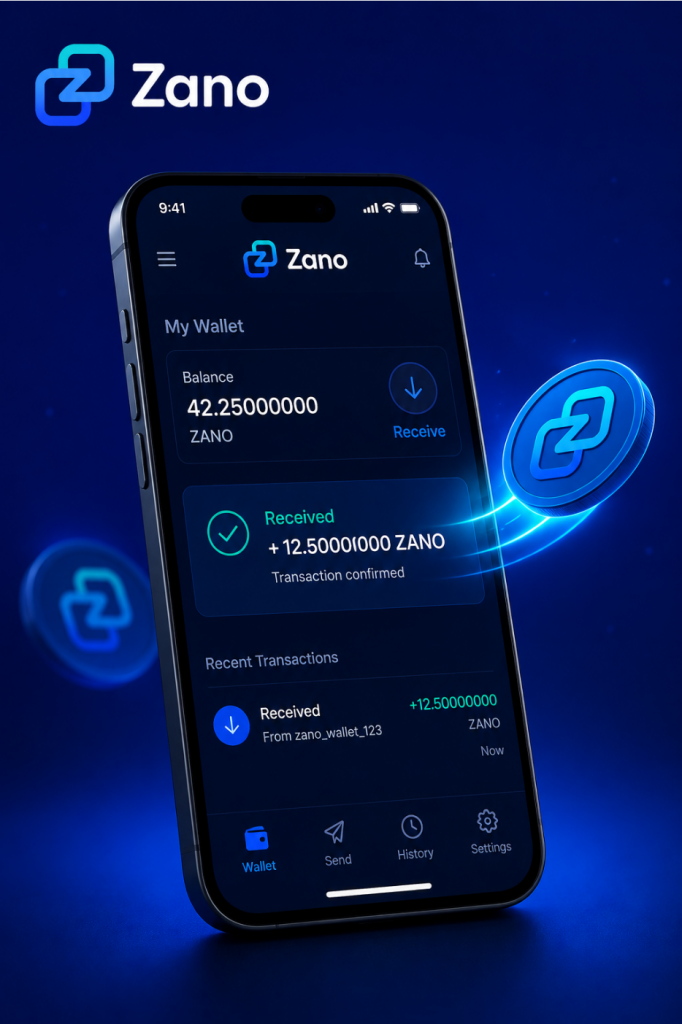
Table of Contents
- What Is a Wallet Address?
- Find Your Wallet Address
- Share Your Wallet Address
- Receive ZANO from Another Person
- Receive ZANO from a Cryptocurrency Exchange
- Check Your Wallet
- Common Mistakes to Avoid
- Frequently Asked Questions
- What’s Next?
- Sources
1. What Is a Wallet Address?
A wallet address is a unique address that allows you to receive ZANO.
Think of it like an email address.
Just as someone needs your email address to send you an email, they need your wallet address to send you ZANO.
Your wallet address is safe to share with others.
However, your password, recovery phrase, and private keys should never be shared.
2. Find Your Wallet Address
Open your Zano Wallet.
On the main screen, you’ll usually see a Receive button or section.
Click Receive to view your wallet address.
Most Zano wallets also display a QR code, which makes it easy for someone to send you ZANO by scanning it.
3. Share Your Wallet Address
When someone wants to send you ZANO:
- Click the Copy button to copy your wallet address.
- Paste the address into a message or email.
- Or let the sender scan your QR code.
Before sending your address, quickly check that it has copied correctly.
Using the Copy button is much safer than typing the address manually.
4. Receive ZANO from Another Person
If someone is sending you ZANO:
- Share your wallet address or QR code.
- Ask the sender to double-check the address before sending.
- Wait for the transaction to be processed by the Zano network.
Once the transaction is confirmed, your wallet balance will update automatically.
5. Receive ZANO from a Cryptocurrency Exchange
If you’ve bought ZANO on an exchange and want to move it into your wallet:
- Log in to your exchange account.
- Go to the Withdraw page.
- Select ZANO.
- Paste your Zano wallet address into the withdrawal address field.
- Enter the amount you want to withdraw.
- Review the details carefully.
- Confirm the withdrawal.
Before confirming, always make sure you’re sending ZANO to your Zano wallet address.
6. Check Your Wallet
After the transaction has been sent, it needs to be confirmed by the Zano blockchain.
Once confirmed:
- Your wallet balance will increase.
- The transaction will appear in your transaction history.
- Your ZANO will be ready to use.
If you don’t see the transaction immediately, don’t panic. It can take a little time depending on network conditions.
7. Common Mistakes to Avoid
Avoid these common mistakes:
- Copying only part of your wallet address.
- Typing the address manually instead of copying it.
- Sending ZANO to the wrong wallet address.
- Sharing your password.
- Sharing your recovery phrase or private keys.
Taking a few extra seconds to check the wallet address can help prevent mistakes.
8. Frequently Asked Questions
Is my wallet address private?
No.
Your wallet address is public and can safely be shared with anyone who wants to send you ZANO.
Can someone access my wallet if they know my wallet address?
No.
Your wallet address only allows people to send you ZANO.
Your password, recovery phrase, and private keys protect your wallet and should always remain private.
How long does it take to receive ZANO?
Most transactions are confirmed within a short time, although this can vary depending on network activity.
Can I receive ZANO more than once?
Yes.
You can use the same wallet address to receive ZANO as many times as you like.
9. What’s Next?
Congratulations!
You’ve successfully learned how to receive ZANO.
The next step is learning how to send ZANO to another wallet safely and securely.
We recommend reading:
10. Sources
Disclaimer: ZanoNews.com is an independent news and information website. This article is for informational purposes only and should not be considered financial, investment, or legal advice.