How to Send ZANO

If you’ve already created your wallet and received your first ZANO, you’re ready to make your first transaction.

Sending ZANO is simple and usually takes just a few moments. This guide explains every step in plain language so that anyoneโ€”even if you’re completely new to cryptocurrencyโ€”can follow along with confidence.

Before continuing, make sure your wallet contains some ZANO.

๐Ÿ‘‰ If you haven’t received any ZANO yet, read our guide: How to Receive ZANO

Table of Contents

  1. Before You Send ZANO
  2. Open Your Wallet
  3. Enter the Recipient’s Address
  4. Choose the Amount to Send
  5. Review the Transaction
  6. Confirm and Send
  7. Check Your Transaction
  8. Common Mistakes to Avoid
  9. Frequently Asked Questions
  10. Summary
  11. Sources

1. Before You Send ZANO

Before sending ZANO, make sure you have:

  • A Zano Wallet with some ZANO available.
  • The correct wallet address of the person you’re sending funds to.
  • An internet connection.

Always double-check the wallet address before sending. Cryptocurrency transactions cannot usually be reversed.

2. Open Your Wallet

Open your Zano Wallet on your mobile phone or desktop computer.

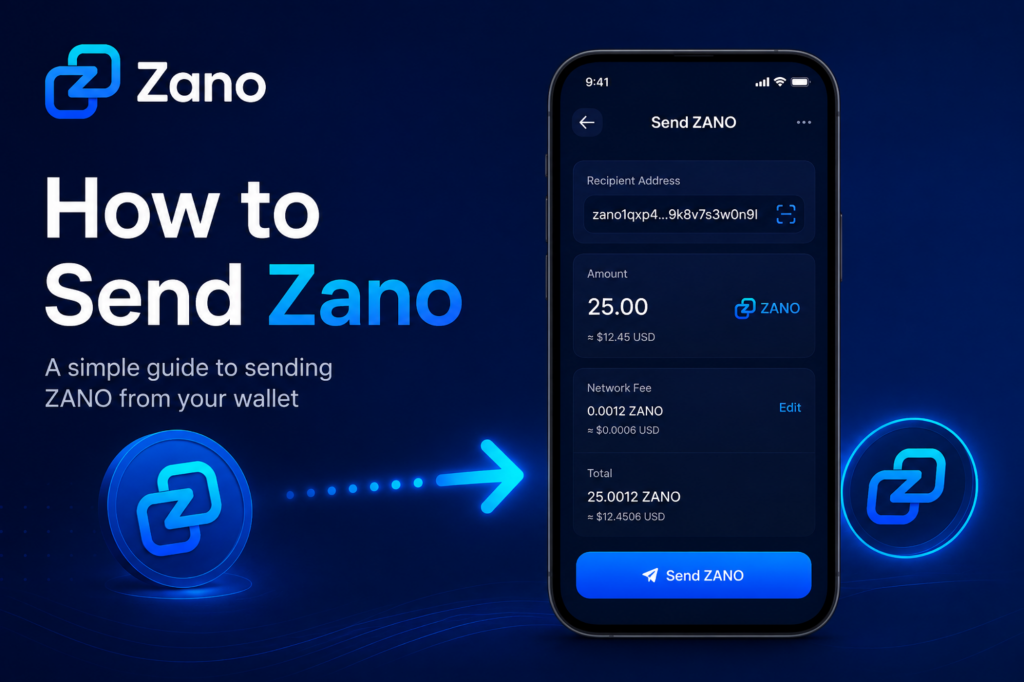
From the main wallet screen, select the Send option.

You’ll be asked to enter:

  • The recipient’s wallet address
  • The amount of ZANO to send

3. Enter the Recipient’s Address

Ask the recipient to provide their Zano wallet address.

You can:

  • Copy and paste the address.
  • Scan a QR code if you’re using the mobile wallet.

Always check that the first and last few characters match the address you were given before sending.

4. Choose the Amount to Send

Enter the amount of ZANO you’d like to send.

For example:

  • 1 ZANO
  • 10 ZANO
  • 25.5 ZANO

Your wallet will also show the network fee before you confirm the transaction.

5. Review the Transaction

Before sending, carefully review:

  • Recipient’s wallet address
  • Amount you’re sending
  • Network fee

Taking a few extra seconds here can help prevent mistakes.

6. Confirm and Send

If everything looks correct:

  1. Tap or click Send.
  2. Confirm the transaction if prompted.
  3. Wait a few moments while the transaction is processed.

Once confirmed, your wallet will show that the transaction has been sent.

7. Check Your Transaction

After sending, you can view the transaction in your wallet’s transaction history.

You should see:

  • Amount sent
  • Recipient address
  • Date and time
  • Confirmation status
  • Transaction ID (Hash)

The recipient will normally receive the funds once the transaction has been confirmed by the network.

8. Common Mistakes to Avoid

Here are a few simple tips:

  • Double-check the wallet address before sending.
  • Never send more than you intended.
  • Make sure you have enough ZANO to cover the network fee.
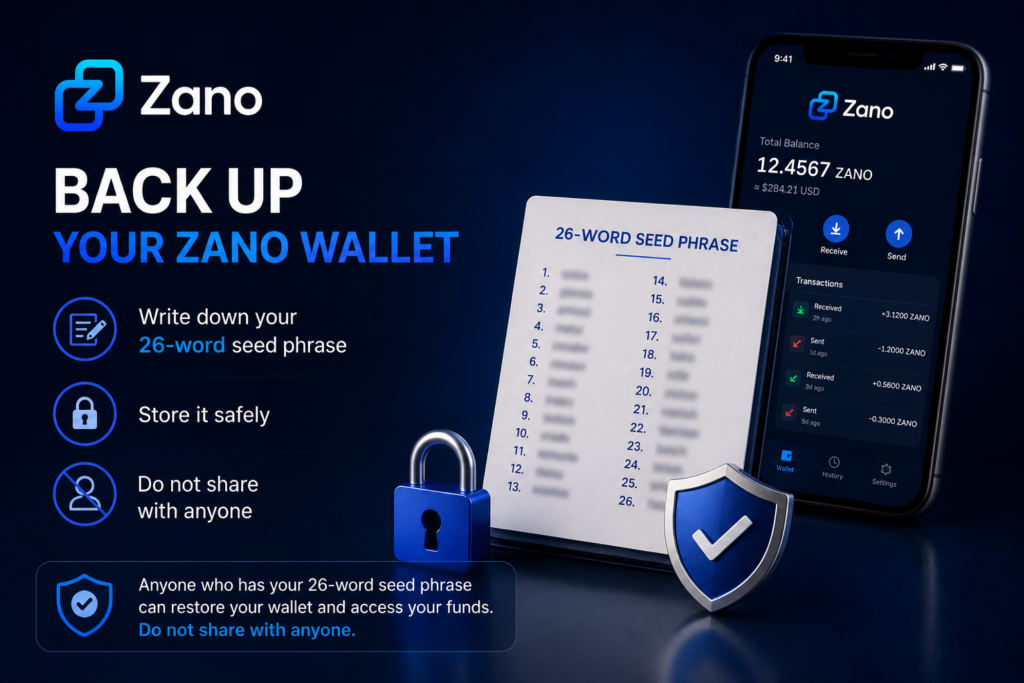
  • Never share your wallet’s recovery seed or private keys.

9. Frequently Asked Questions

Can I cancel a transaction after sending?

No. Once a transaction has been confirmed on the blockchain, it cannot normally be reversed.

What if I send ZANO to the wrong address?

Unfortunately, cryptocurrency transactions are generally irreversible. Always verify the address before confirming.

Is there a fee for sending ZANO?

Yes. Like most blockchains, Zano charges a small network fee to process transactions.

10. Summary

Sending ZANO is straightforward once you’ve used your wallet a few times.

Remember these simple steps:

  1. Open your wallet.
  2. Enter the recipient’s address.
  3. Choose the amount.
  4. Review the details.
  5. Confirm the transaction.

Taking a few extra moments to check the address and amount can help ensure your transaction is completed safely.

11. Sources

Disclaimer: ZanoNews.com is an independent news and information website. This article is for informational purposes only and should not be considered financial, investment, or legal advice.

How to Receive ZANO

Now that you’ve created your Zano wallet, you’re ready to receive your first ZANO.

Whether you’re receiving ZANO from a friend, another wallet, or a cryptocurrency exchange, the process is simple and only takes a few steps.

This guide explains everything you need to know in easy-to-understand language.

If you haven’t created your wallet yet, read our guide ๐Ÿ‘‡

How to Create Your First Zano Wallet

Table of Contents

  1. What Is a Wallet Address?
  2. Find Your Wallet Address
  3. Share Your Wallet Address
  4. Receive ZANO from Another Person
  5. Receive ZANO from a Cryptocurrency Exchange
  6. Check Your Wallet
  7. Common Mistakes to Avoid
  8. Frequently Asked Questions
  9. What’s Next?
  10. Sources

1. What Is a Wallet Address?

A wallet address is a unique address that allows you to receive ZANO.

Think of it like an email address.

Just as someone needs your email address to send you an email, they need your wallet address to send you ZANO.

Your wallet address is safe to share with others.

However, your password, recovery phrase, and private keys should never be shared.

2. Find Your Wallet Address

Open your Zano Wallet.

On the main screen, you’ll usually see a Receive button or section.

Click Receive to view your wallet address.

Most Zano wallets also display a QR code, which makes it easy for someone to send you ZANO by scanning it.

3. Share Your Wallet Address

When someone wants to send you ZANO:

  1. Click the Copy button to copy your wallet address.
  2. Paste the address into a message or email.
  3. Or let the sender scan your QR code.

Before sending your address, quickly check that it has copied correctly.

Using the Copy button is much safer than typing the address manually.

4. Receive ZANO from Another Person

If someone is sending you ZANO:

  1. Share your wallet address or QR code.
  2. Ask the sender to double-check the address before sending.
  3. Wait for the transaction to be processed by the Zano network.

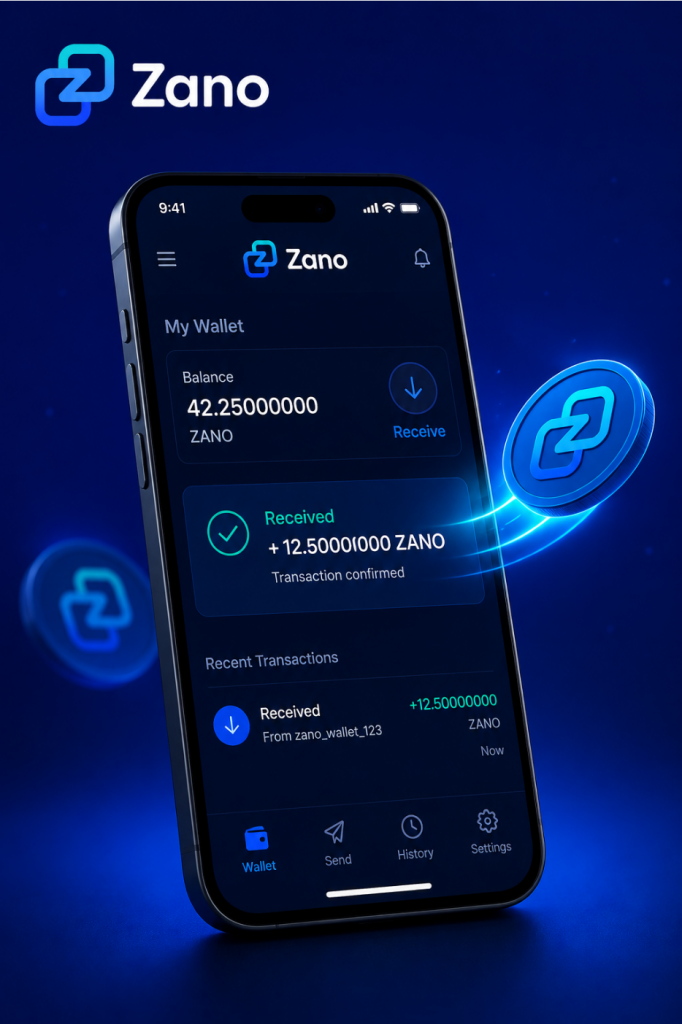
Once the transaction is confirmed, your wallet balance will update automatically.

5. Receive ZANO from a Cryptocurrency Exchange

If you’ve bought ZANO on an exchange and want to move it into your wallet:

  1. Log in to your exchange account.
  2. Go to the Withdraw page.
  3. Select ZANO.
  4. Paste your Zano wallet address into the withdrawal address field.
  5. Enter the amount you want to withdraw.
  6. Review the details carefully.
  7. Confirm the withdrawal.

Before confirming, always make sure you’re sending ZANO to your Zano wallet address.

6. Check Your Wallet

After the transaction has been sent, it needs to be confirmed by the Zano blockchain.

Once confirmed:

  • Your wallet balance will increase.
  • The transaction will appear in your transaction history.
  • Your ZANO will be ready to use.

If you don’t see the transaction immediately, don’t panic. It can take a little time depending on network conditions.

7. Common Mistakes to Avoid

Avoid these common mistakes:

  • Copying only part of your wallet address.
  • Typing the address manually instead of copying it.
  • Sending ZANO to the wrong wallet address.
  • Sharing your password.
  • Sharing your recovery phrase or private keys.

Taking a few extra seconds to check the wallet address can help prevent mistakes.

8. Frequently Asked Questions

Is my wallet address private?

No.

Your wallet address is public and can safely be shared with anyone who wants to send you ZANO.

Can someone access my wallet if they know my wallet address?

No.

Your wallet address only allows people to send you ZANO.

Your password, recovery phrase, and private keys protect your wallet and should always remain private.

How long does it take to receive ZANO?

Most transactions are confirmed within a short time, although this can vary depending on network activity.

Can I receive ZANO more than once?

Yes.

You can use the same wallet address to receive ZANO as many times as you like.

9. What’s Next?

Congratulations!

You’ve successfully learned how to receive ZANO.

The next step is learning how to send ZANO to another wallet safely and securely.

We recommend reading:

How to Send Your ZANO

10. Sources

Disclaimer: ZanoNews.com is an independent news and information website. This article is for informational purposes only and should not be considered financial, investment, or legal advice.

What Is Zano? A Beginner’s Guide

If you’re new to cryptocurrency, you’ve probably heard about Bitcoin and Ethereum. But what is Zano, and why are more people paying attention to it?

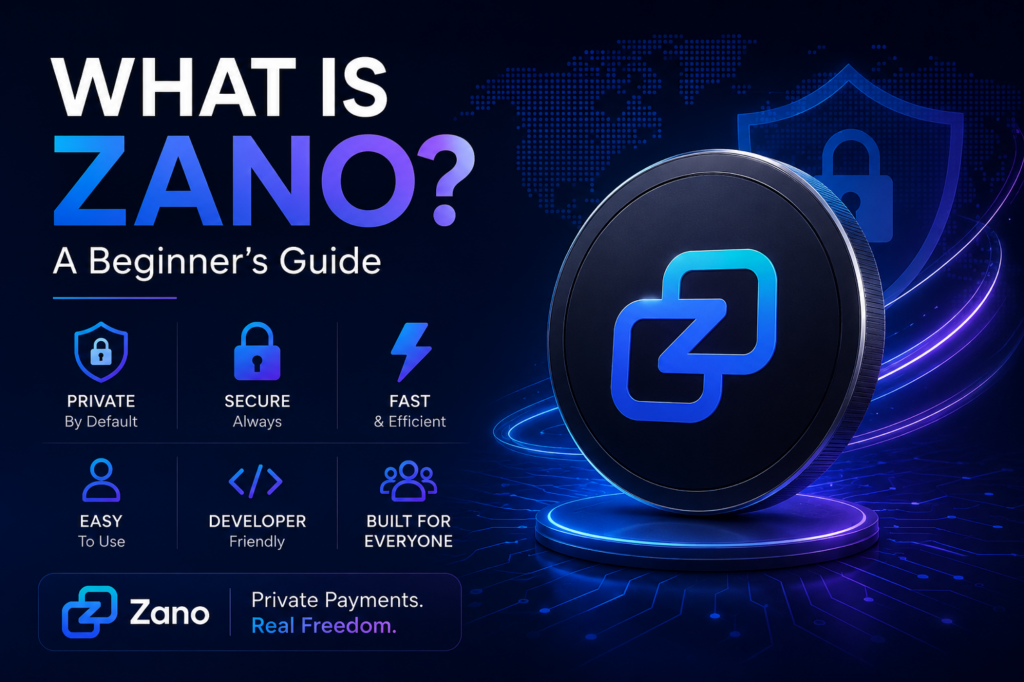
Zano is a privacy-focused blockchain designed to make digital payments secure, confidential, and easy to use. It combines modern privacy technology with features for businesses, developers, and everyday users.

Whether you’re completely new to crypto or simply curious about Zano, this guide explains everything in simple language.

Table of Contents

  1. What Is Zano?
  2. Why Was Zano Created?
  3. Key Features of Zano
  4. What Can You Do With Zano?
  5. Is Zano Good for Beginners?
  6. Where Should You Start?
  7. Frequently Asked Questions
  8. Final Thoughts

1. What Is Zano?

Zano is a Layer 1 blockchain launched in 2019 that focuses on privacy, security, and usability.

Unlike many cryptocurrencies where transactions can be viewed publicly, Zano keeps transaction details private by default. This means the sender, receiver, and transaction amount remain confidential while still being securely verified on the blockchain.

Its goal is to provide digital money that protects financial privacy without sacrificing security.

2. Why Was Zano Created?

Many blockchains allow anyone to view wallet balances and transaction history.

While transparency has advantages, it also means anyone can potentially track your financial activity.

Zano was built to give users greater financial privacy while remaining decentralized and secure.

3. Key Features of Zano

3.1 Privacy by Default

Every Zano transaction is private, helping protect your financial information from public view.

3.2 Low Transaction Fees

Sending Zano costs only a small network fee, making it suitable for everyday payments.

3.3 Fast Transactions

Transactions are confirmed quickly, allowing users to send and receive funds without long waiting times.

3.4 Hybrid Consensus

Zano uses a hybrid Proof-of-Work and Proof-of-Stake (PoW + PoS) consensus model to help secure the network while allowing eligible holders to earn staking rewards.

3.5 Confidential Assets

One of Zano’s standout features is Confidential Assets, which allow developers and businesses to create private digital assets while keeping transaction information confidential.

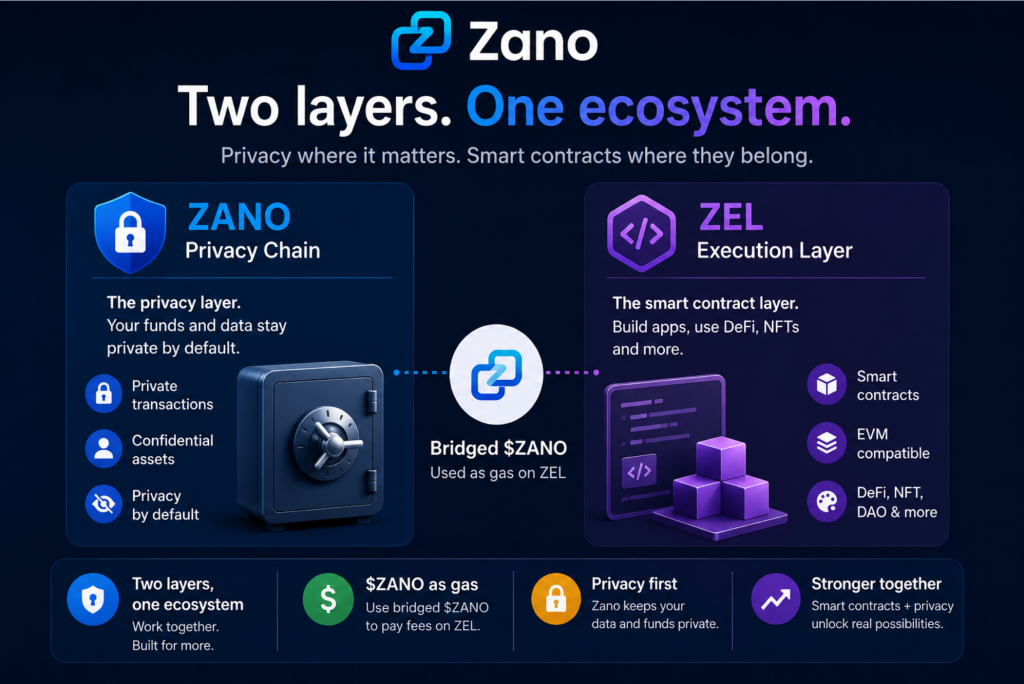
3.6 Cross-Chain Transfers

Recent network upgrades allow native ZANO to move between supported blockchain ecosystems while maintaining Zano’s privacy-focused infrastructure.

4. What Can You Do With Zano?

Zano can be used in many different ways:

  • Send private payments
  • Receive payments securely
  • Stake ZANO to earn rewards
  • Create Confidential Assets
  • Buy and sell on ZanoBay
  • Explore decentralized applications built on Zano

5. Is Zano Good for Beginners?

Yes.

Zano is designed to be beginner-friendly while offering advanced privacy features for experienced users.

If you’re just starting, learning how to install the wallet and securely back up your recovery seed is the best place to begin.

6. Where Should You Start?

If you’re new to Zano, these guides are recommended:

  1. Install the Zano Wallet
  2. Create Your First Wallet
  3. Back Up Your Recovery Seed
  4. Learn How Staking Works
  5. Understand Zano Privacy
  6. Explore Confidential Assets

7. Frequently Asked Questions

7.1 Is Zano anonymous?

Zano is privacy-focused, meaning transaction details are confidential by default while the blockchain remains secure and verifiable.

7.2 Can I stake Zano?

Yes. Eligible holders can stake ZANO to help secure the network and earn rewards.

7.3 Is Zano open source?

Yes. Zano is an open-source blockchain project, allowing anyone to inspect the code and contribute to development.

8. Final Thoughts

Zano is more than just another cryptocurrency. It is a privacy-first blockchain designed for secure payments, confidential digital assets, and long-term usability.

Whether you’re looking to make private transactions, earn staking rewards, or simply learn about privacy-focused blockchain technology, Zano provides a solid starting point.

If you’re completely new to Zano, continue with the Getting Started guides below to learn how to install your wallet, create your first address, and begin exploring the ecosystem.

Learn more:

Disclaimer: ZanoNews.com is an independent news and information website. This article is for informational purposes only and should not be considered financial, investment, or legal advice.